Kristina Schulz

Updated 6 months ago

Run multiple accounts on one device with ease

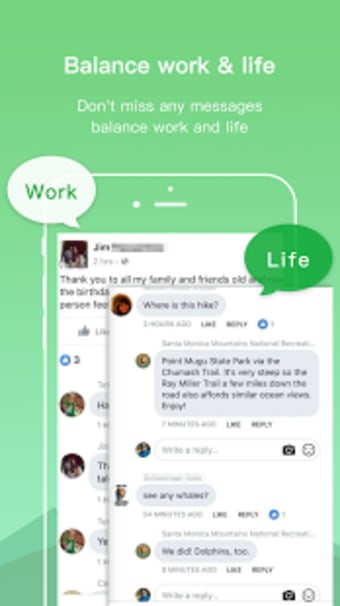
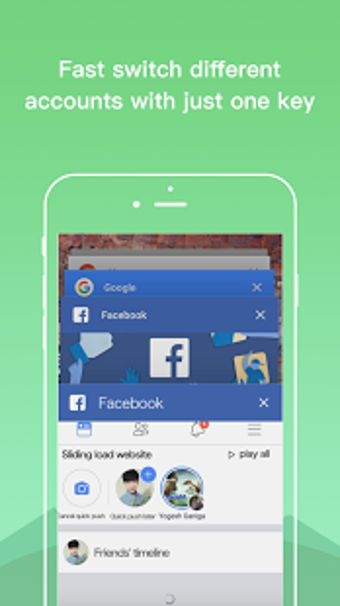
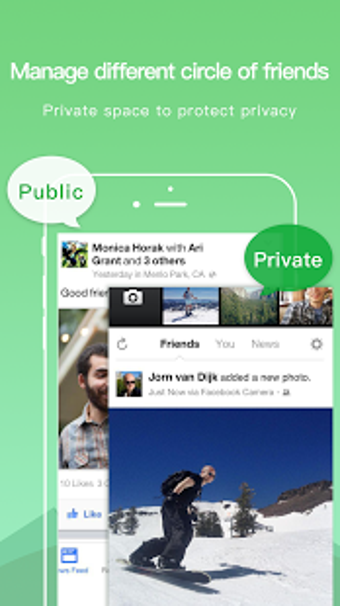
Dual Space – Multiple Accounts & Parallel APP is a handy Android utility that allows users to clone apps and run multiple accounts simultaneously on a single device. Whether you're managing two WhatsApp accounts or juggling work and personal social media, this app keeps everything separate, organized, and easy to switch between. 

Clone apps, manage accounts, stay organized 

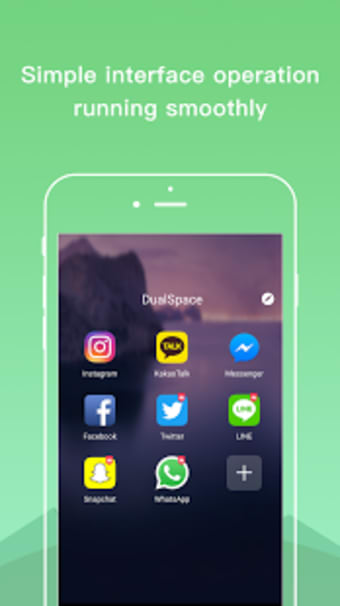
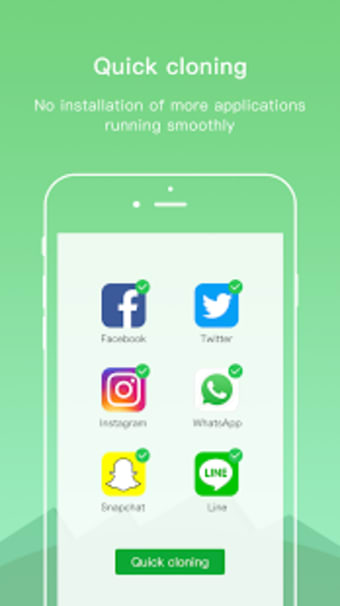
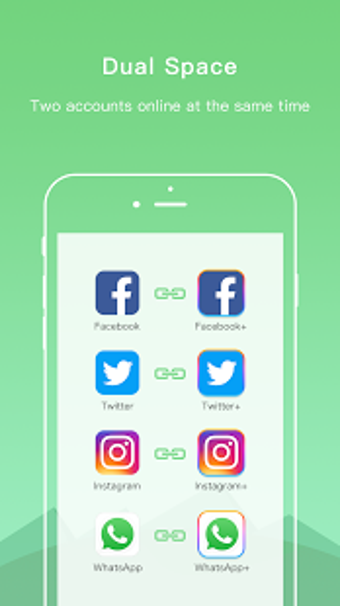
The core feature of Dual Space – Multiple Accounts & Parallel APP is simple but powerful: it creates a parallel environment where cloned versions of apps can operate independently. This means users can log into multiple accounts on the same app—like Facebook, Instagram, or Messenger—without needing to log out each time. The interface is user-friendly and minimal, making it accessible even for non-tech-savvy users. 

Performance is generally smooth, though some heavy apps take longer to load in the cloned environment. It's also worth noting that occasional compatibility issues can arise depending on your device model or Android version. Still, for a free tool, it’s surprisingly effective and stable. 

A practical tool for multitaskers 

If you’re someone who needs to manage multiple accounts on one phone, Dual Space offers a simple, clutter-free solution, without the need for root access or complicated setup. It supports multiple accounts across many apps, and it's easy to use. However, it can experience some lag and compatibility issues with others.


Kristina Schulz

    Kristina has professional experience in Europe, the United States, and Asia, specializing in communication and languages. She values adaptability in multicultural settings and brings this perspective to her writing. Her content reflects clarity, cross-cultural awareness, and practical expertise in connecting ideas through language.

    • Pros

      • Easy to use and setup
      • Supports multiple accounts for most major apps
    • Cons

      • May lag with heavier apps
      • Occasional compatibility issues on some devices
     0/6

    App specs

    • License

      Free

    • Version

      6.0.1
    • Latest update

    • Platform

      Android

    • OS

      Android 13.0

    • Language

      English

      Available languages

      • English
      • Chinese
      • Portuguese
      • Chinese
      • Portuguese
      • French
      • Arabic
      • Spanish
      • Korean
    • Downloads

      99.5K

      Last month's downloads

      • 7.4K
    • Size

      21.19 MB

    • Developer

    • Download Options

      APK, Google Play

    • Filename

      com.ludashi.dualspace_6.0.1.apk

    Program available in other languages


    User reviews about Dual Space - Multiple Accounts App Cloner

    Have you tried Dual Space - Multiple Accounts App Cloner? Be the first to leave your opinion!

    Add review

    You may also like

    Alternatives to Dual Space - Multiple Accounts App Cloner

    Explore Apps

    Latest articles

    Laws concerning the use of this software vary from country to country. We do not encourage or condone the use of this program if it is in violation of these laws.
    Softonic

    Is Dual Space - Multiple Accounts App Cloner safe?

    100/100

    Score result: Clean

    This file passed a comprehensive security scan using VirusTotal technology. It is safe to download.

    • Virus free
    • Spyware free
    • Malware free
    • Verified by Security Partners

      VirusTotal logo

    Scan Info

    Last scan
    Thursday, April 10, 2025
    Scan provider
    VirusTotal · Full report

    File Integrity

    File
    com.ludashi.dualspace_6.0.1.apk
    SHA256
    94bcbb2a0d78a1a73603cb920c9f997951a52759d5195c051c19ed8bd24ced82
    SHA1
    65d2859148daa93fc632b2e64af6458a6cd9b6e5

    Softonic security commitment

    Dual Space - Multiple Accounts App Cloner has been thoroughly scanned by our advanced security systems and verified by industry-leading partners. This file comes from the official developer and has passed all our security checks, showing no signs of viruses, malware, or spyware. For more information, visit our Security and Trust Center